
MERLEKA / PHOTO SHRINK
Photo Shrink
Make photos smaller.
Keep control.
Reduce photo file size directly on your Android device with clear controls and no unnecessary cloud upload.
Android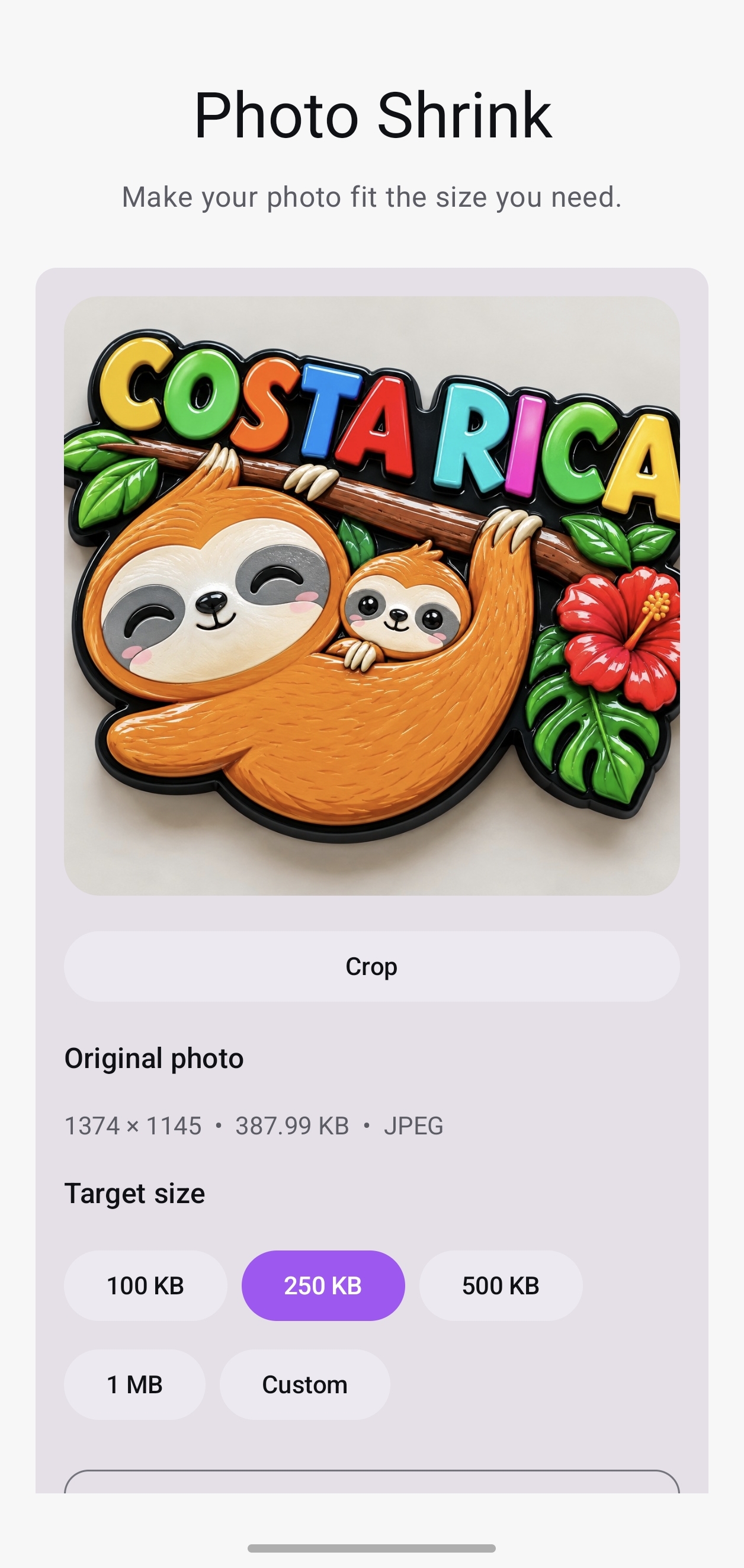
HOW IT WORKS
Three steps. No detour.
- 01
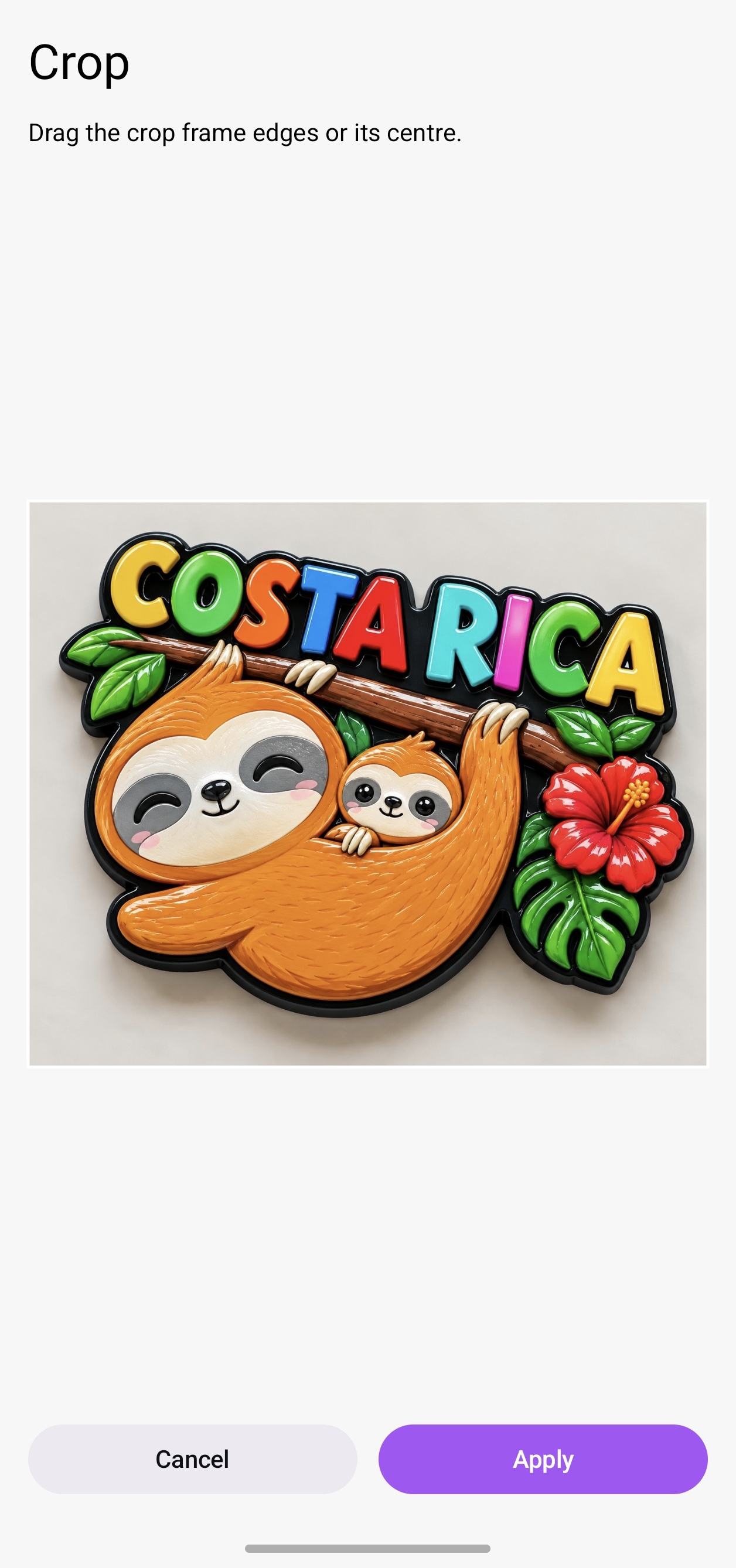
Choose a photo
Select the image you want to reduce.
- 02
Choose the size
Pick a clear target such as 100 KB, 250 KB, 500 KB, 1 MB, or enter a custom value.
- 03
Shrink it
Photo Shrink processes the image directly on your device.
BUILT AROUND YOUR DEVICE
Your photo stays part of your workflow.
Photo Shrink is designed to process the photo on your device. You do not need an account, and the compression workflow does not require uploading your photo to a cloud service.
- On-device processing
- No account required
- No cloud upload required for compression
Built for the everyday task.
- Platform
- Android
- Languages
- English, Turkish, Spanish
- Account
- Not required
- Processing
- On device